Article
Advanced Mail Features on iPhone 6
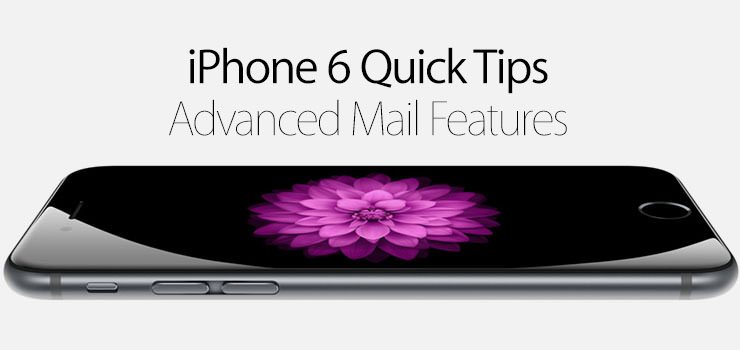
iOS 8 brought with it a lot of cool features and improvements across many of the default apps, and the Mail app is no exception. Check out how to use the new gestures in the Mail app to make email even faster on your iPhone 6.
- Open the Mail app.
- In your Inbox, swipe right on any message to mark as read.
- Swipe right again to mark as unread
- Swipe left to Trash the email, Flag, or More.
- Tapping More will bring up a menu with options to Reply, Forward, Flag, Mark as Read, Move to Junk, Move Message, or Notify Me.
- Long swipe left to trash the email without having to tap Trash.