Post
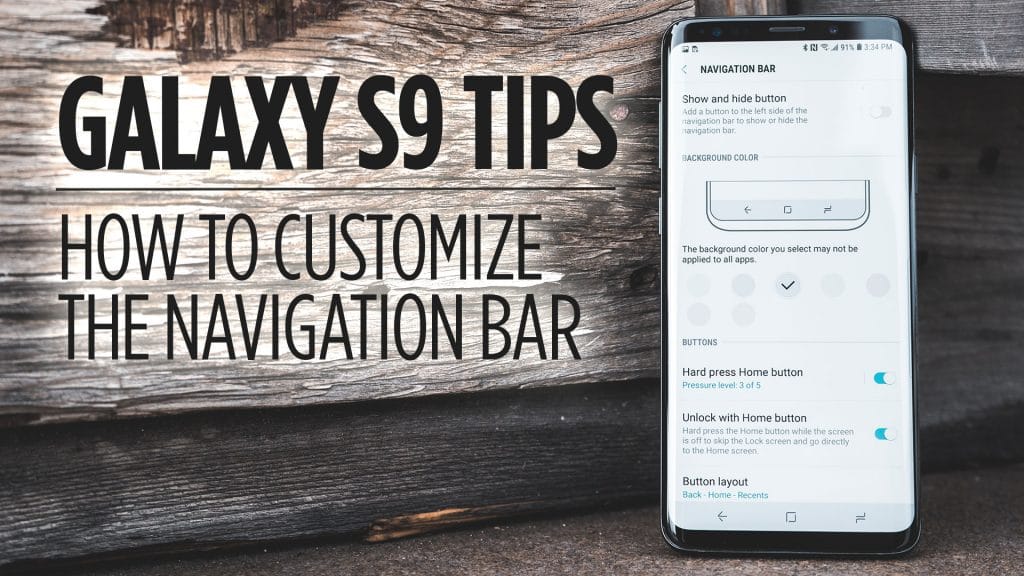
How to Customize the Navigation Bar on Galaxy S9/S9+
The Navigation Bar at the bottom of the screen on the Galaxy S9 is going to be vital in getting around on…
Read MoreThe Archive
Everything I publish — reviews, comparisons, roundups, guides, and articles — in one place. Filter by type below.
The Navigation Bar at the bottom of the screen on the Galaxy S9 is going to be vital in getting around on…
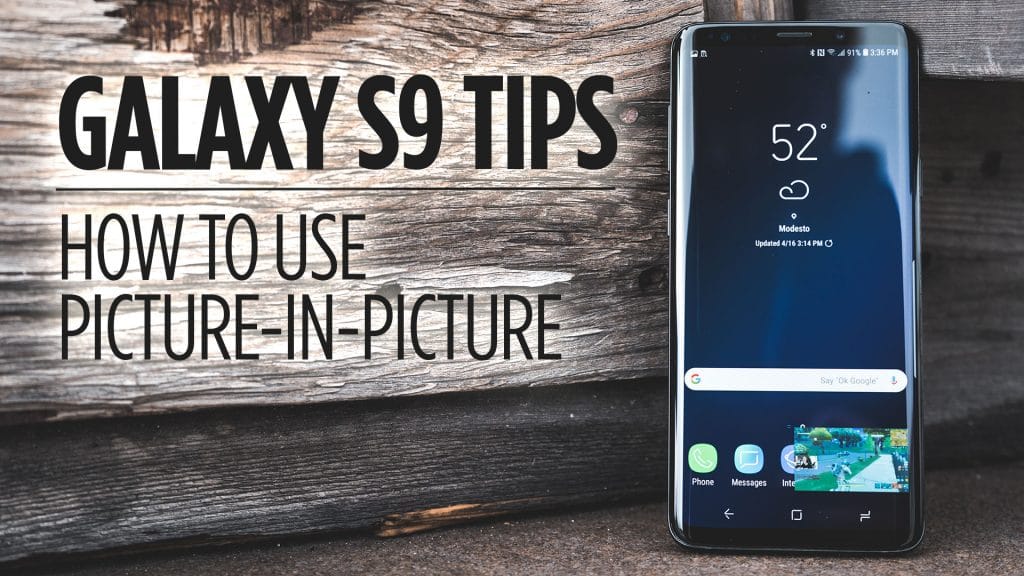
Read MoreWith Android 8.0, which the Galaxy S9 comes with, allows you to use picture-in-picture mode with certain apps. In this video, I’ll…
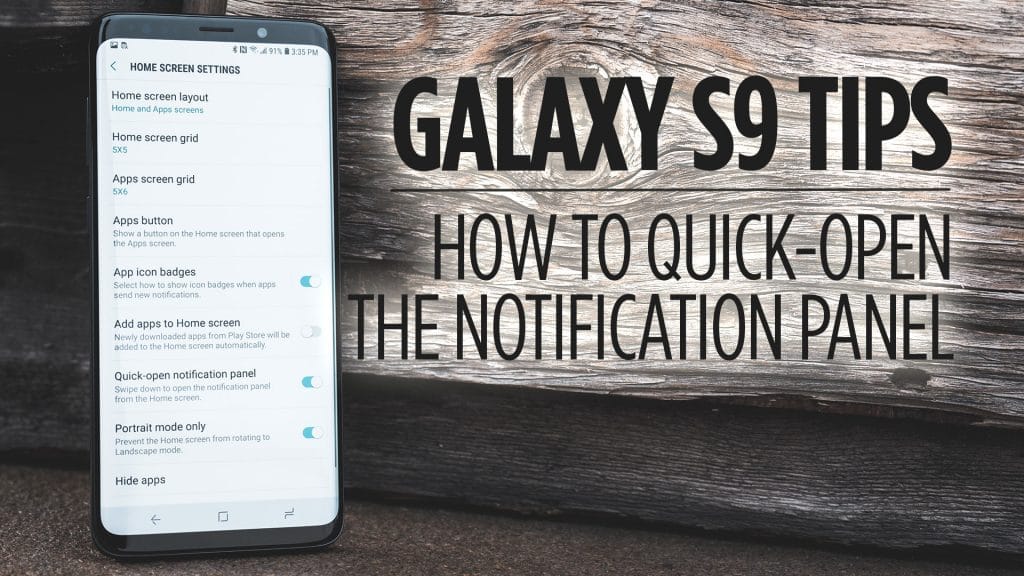
Read MoreThe Galaxy S9 and S9+ for that matter have tall displays that can make it cumbersome to access the Notification Panel without…
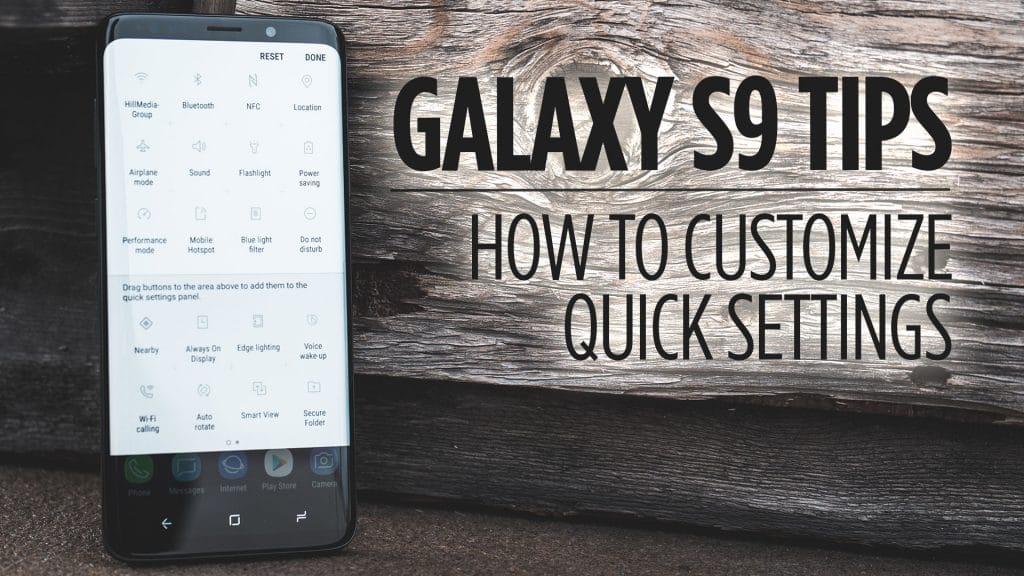
Read MoreThe Quick Settings allow you to quickly toggle actions on your Galaxy S9 without having to jump into the settings menu. What’s…
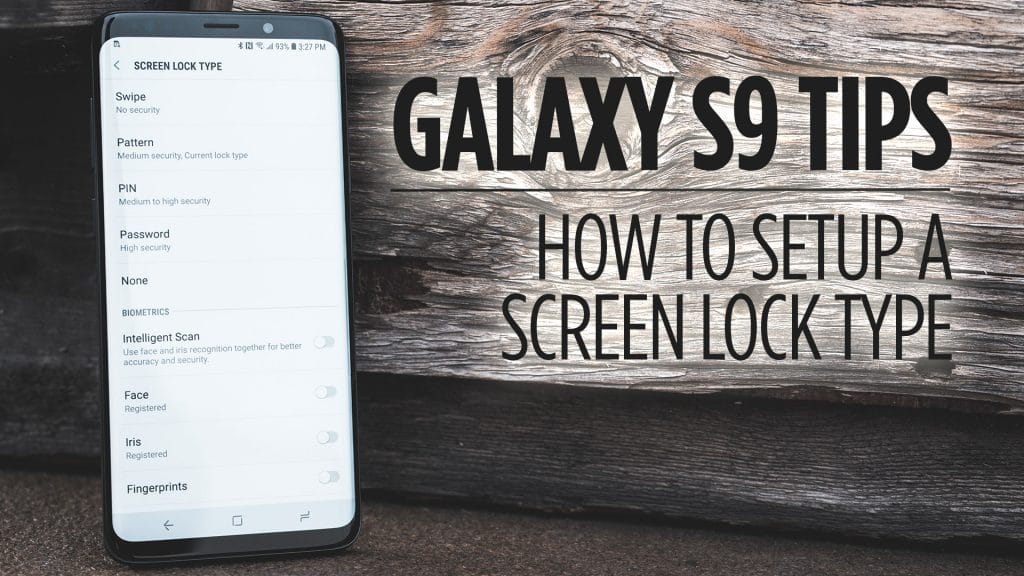
Read MoreTo ensure that unwanted users don’t have access to your Galaxy S9 it’s best practice to use a lock screen to secure…
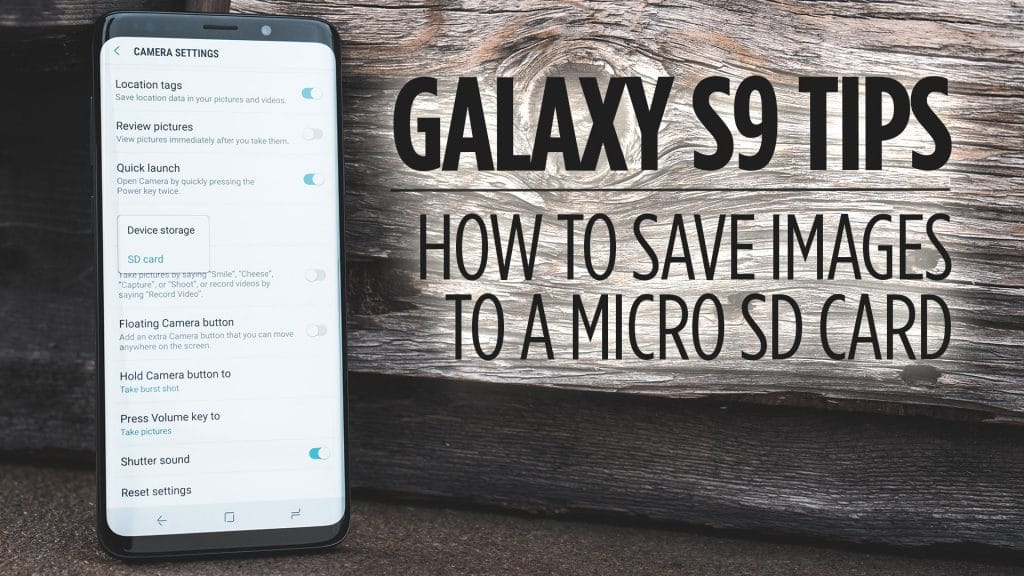
Read MoreAll Galaxy S9’s in the US come with 64GB of internal storage. If you are finding that storage capacity isn’t enough you…
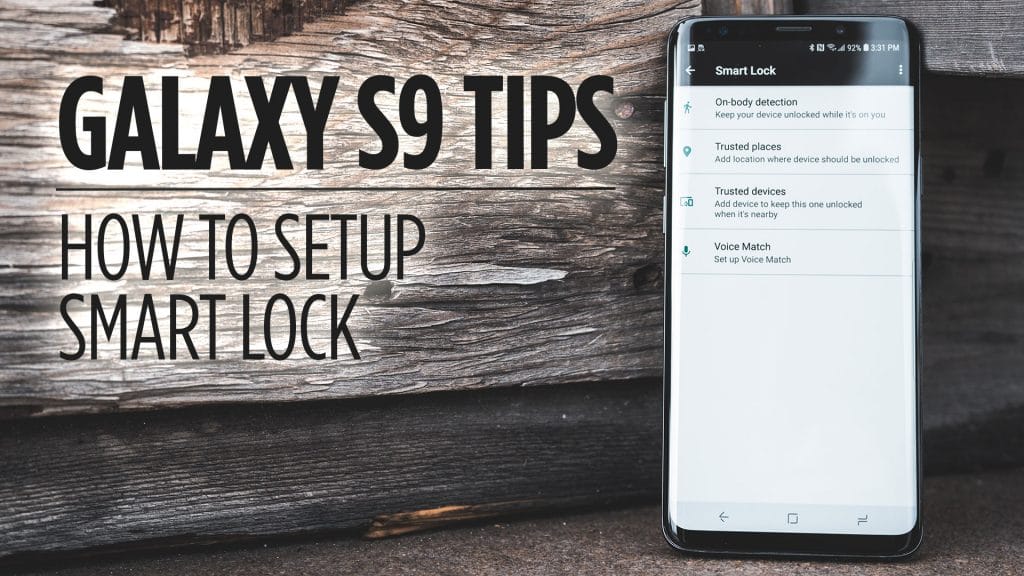
Read MoreSmart Lock has to be one of the most underrated features of any Android device. With Smart Lock, you can have your…
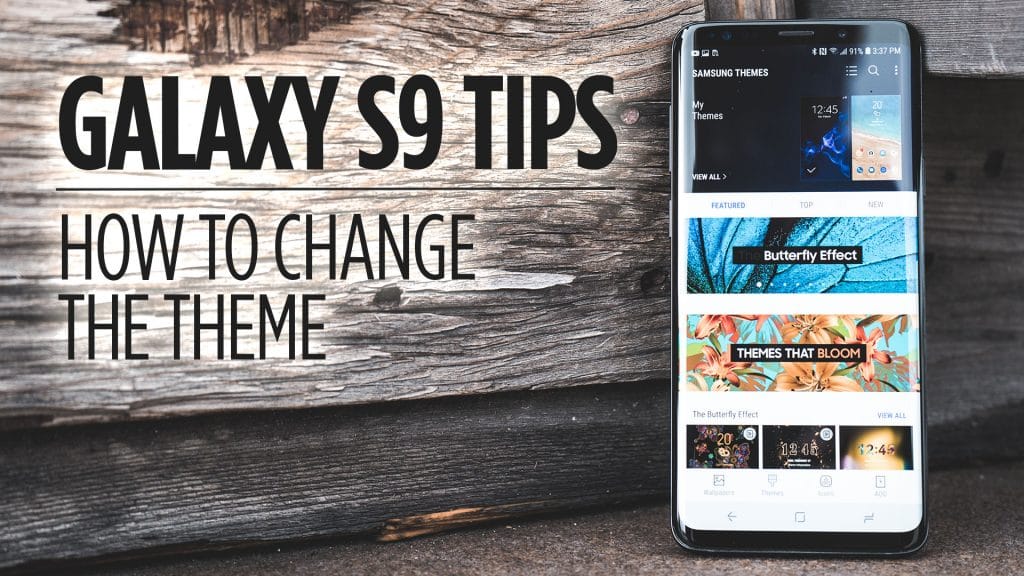
Read MoreIf you ever get bored with the look and feel of the Galaxy S9 software you can always apply a theme to…
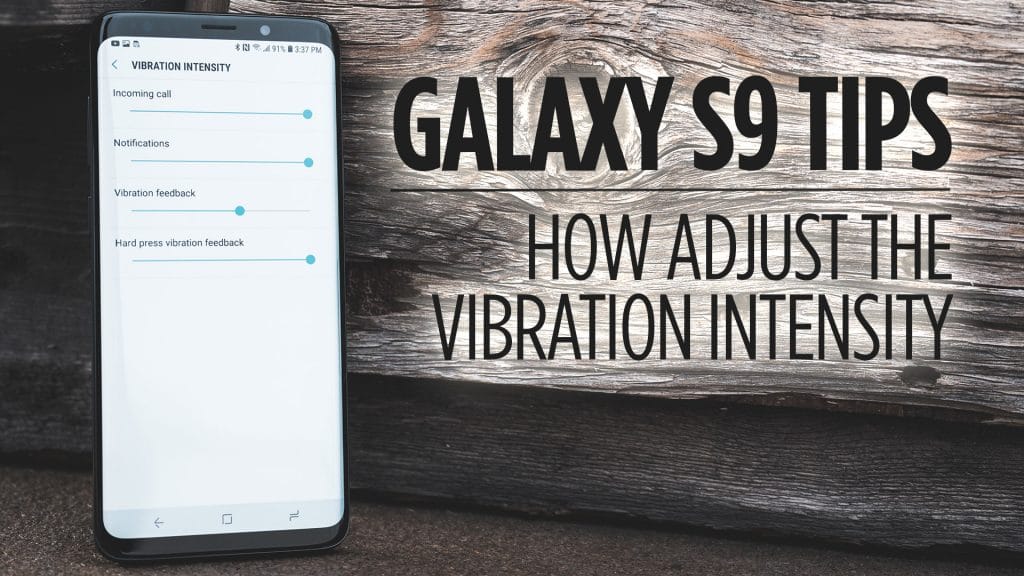
Read MoreIf you feel like the vibration on your Galaxy S9 is too strong, or too weak, you can go in and adjust…
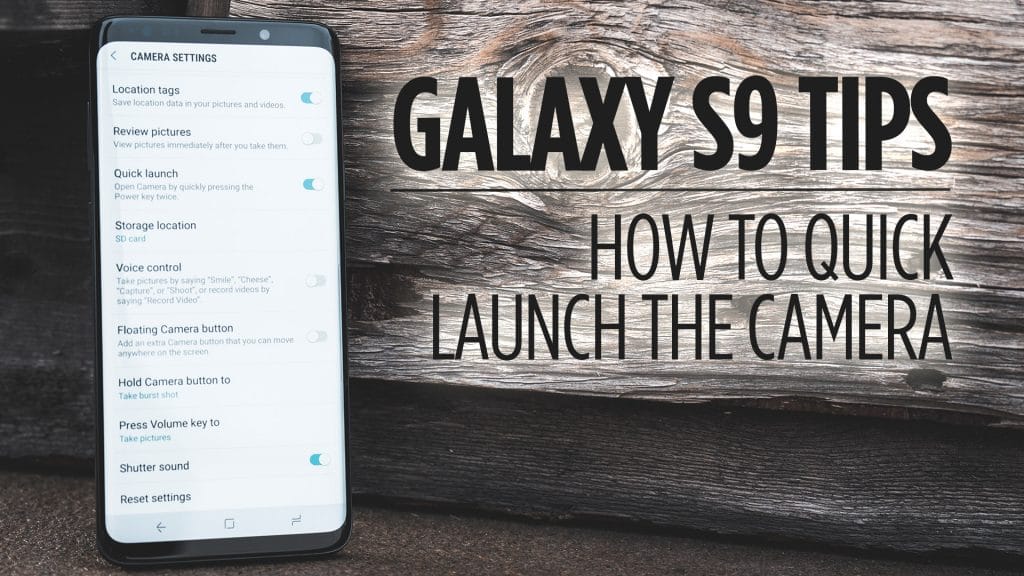
Read MoreLet’s look at how to quickly launch the camera on your Galaxy S9 and S9+. Being able to quickly launch the camera…
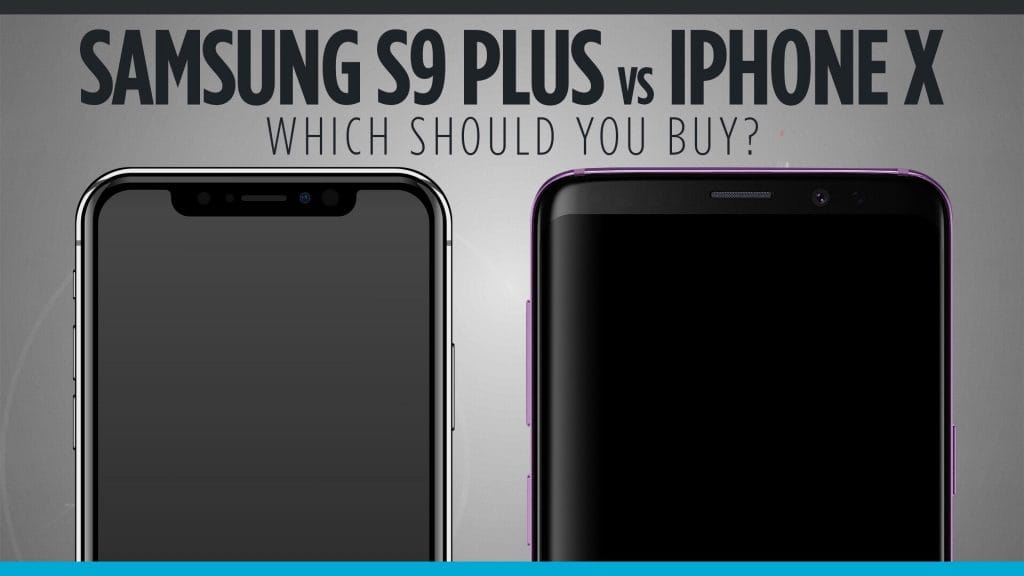
Read MoreFlagship vs Flagship. If you are considering which phone to buy, here are our thoughts on whether you should buy the Samsung…
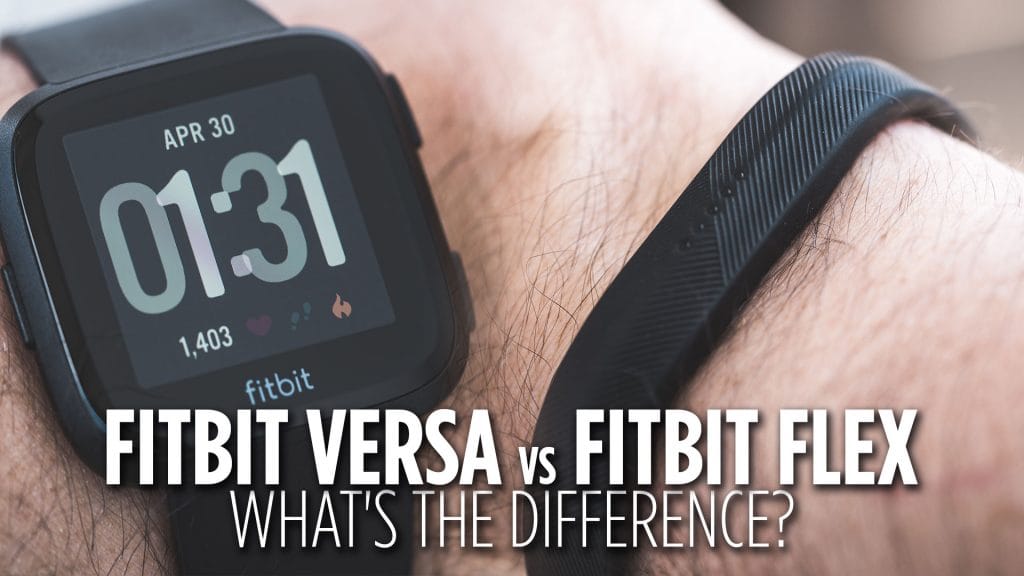
Read MoreFitbit has been figuring out what it looks like to be in the activity tracking and smartwatch business. They have come a…
Read More