Post
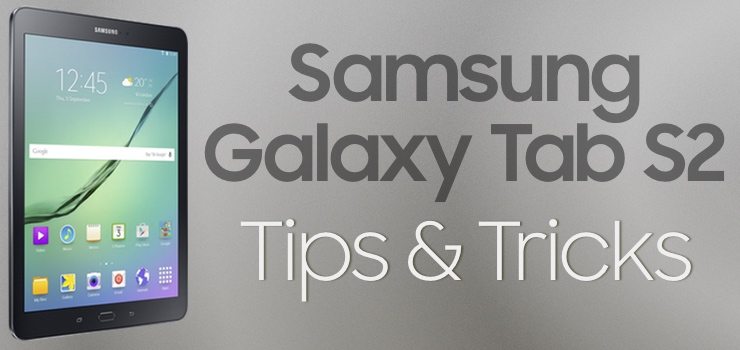
Samsung Galaxy Tab S2 Tips & Tricks Roundup
Samsung Galaxy Tab S2 Home Screen Tips & Tricks How to Manage Notifications How to Uninstall Apps How to Change Keyboards How…
Read MoreThe Archive
Everything I publish — reviews, comparisons, roundups, guides, and articles — in one place. Filter by type below.
Samsung Galaxy Tab S2 Home Screen Tips & Tricks How to Manage Notifications How to Uninstall Apps How to Change Keyboards How…
Read MoreAt some point, you will likely want to make your tablet as clean as the day you got it. Whether you’re selling or…
Read MoreThe Samsung Galaxy S series of phones introduced a built-in fingerprint scanner inside the home button for advanced biometric security in 2014’s Galaxy…
Read MoreAnother way to make your tablet unique and to match it with your personality is to customize the font used across the entire…
Read MoreWe’ve all been there before: something terrible happens to our device (like taking a dive into the swimming pool, or fallen out…
Read MoreEvery once in a while, you might find yourself looking for something on your device, but you don’t know what app it’s…
Read MoreHaving your tablet buzz on your table or in your bag from all the messages, and app notifications can be one of the…
Read MoreUnlike other mobile device operating systems (ahem fruit-flavored ones), Android and TouchWiz lets you change the apps that your phone uses by default…
Read MoreOne of the most unique and noticeable ways to customize your tablet and make it yours is changing up the sound settings. There…
Read MoreWhile the Samsung Galaxy Tab S2 is perfectly suited to be incredibly capable under heavy usage and multitasking, sometimes you want to eke…
Read MoreThe Samsung Galaxy Tab S2 includes a few intuitive motion and gesture-based actions that enable useful functions. Here’s how to enable and…
Read MoreGone are the days of unlimited data; now most everyone with a data plan is paying for a flat rate, with exorbitant…
Read More
You must be logged in to post a comment.