Post
How to Customize the Home Screen on Galaxy S9/S9+
One of the best things about using an Andriod device is the level of customizability that comes with the platform. In this…
Read MoreThe Archive
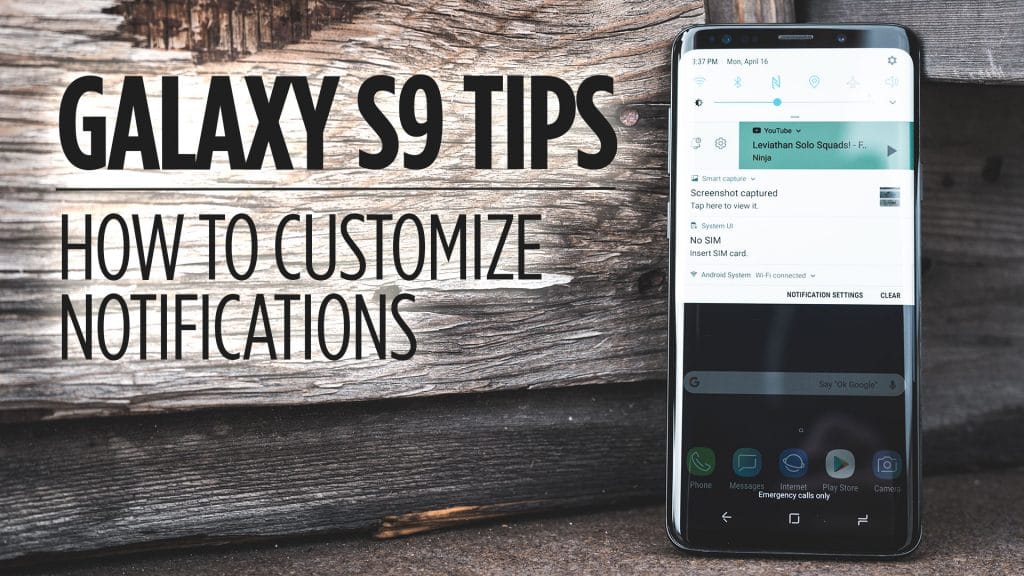
One of the best things about using an Andriod device is the level of customizability that comes with the platform. In this…
Read MoreInstead of just tapping on a notification to open the app, did you know that you can do a couple of swipes…
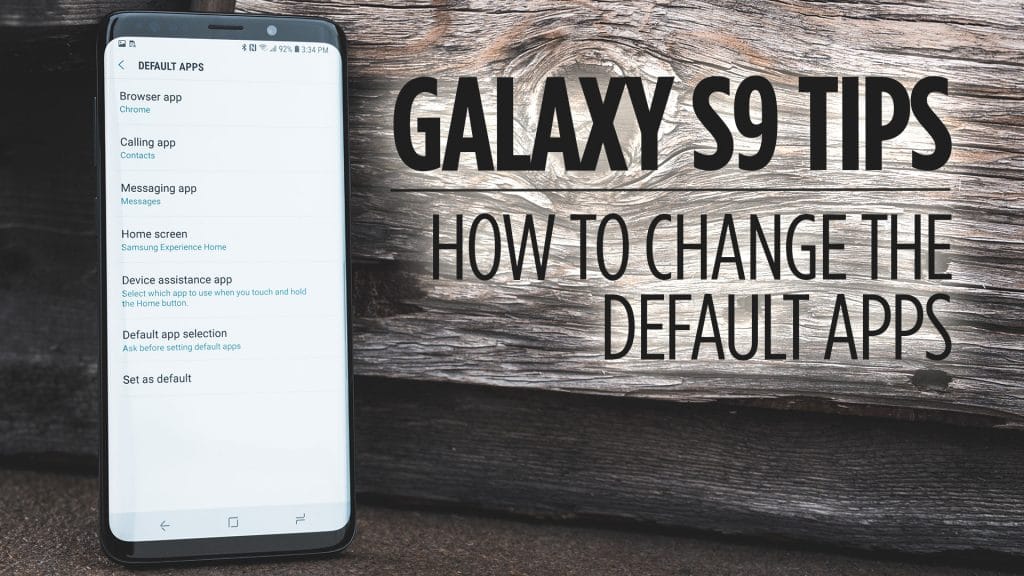
Read MoreThere are some apps that you download from the Google Play Store that you can use in place of some of the…
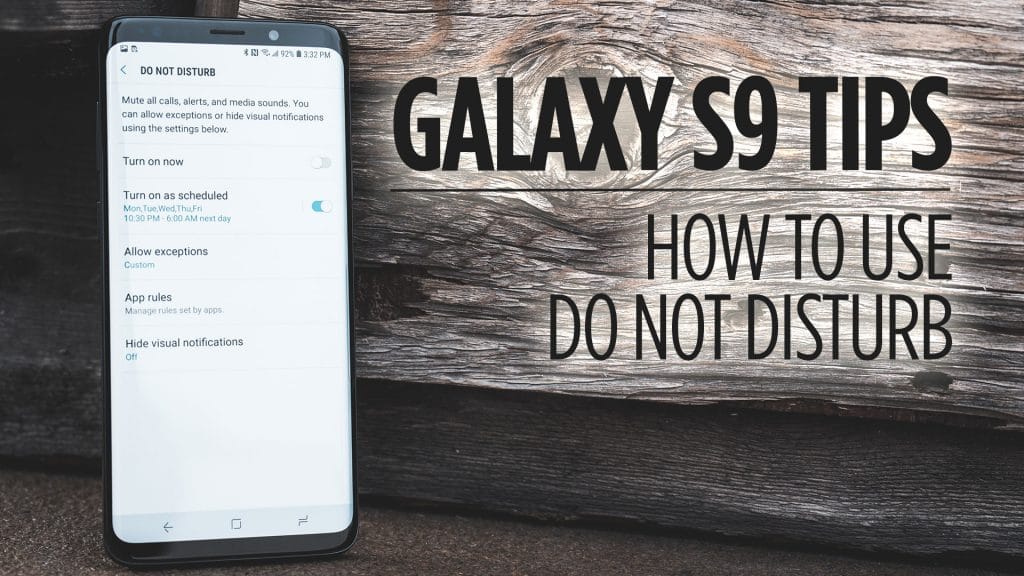
Read MoreIf your tired of getting notifications when you are in a meeting or going to sleep for that matter, then Do Not…
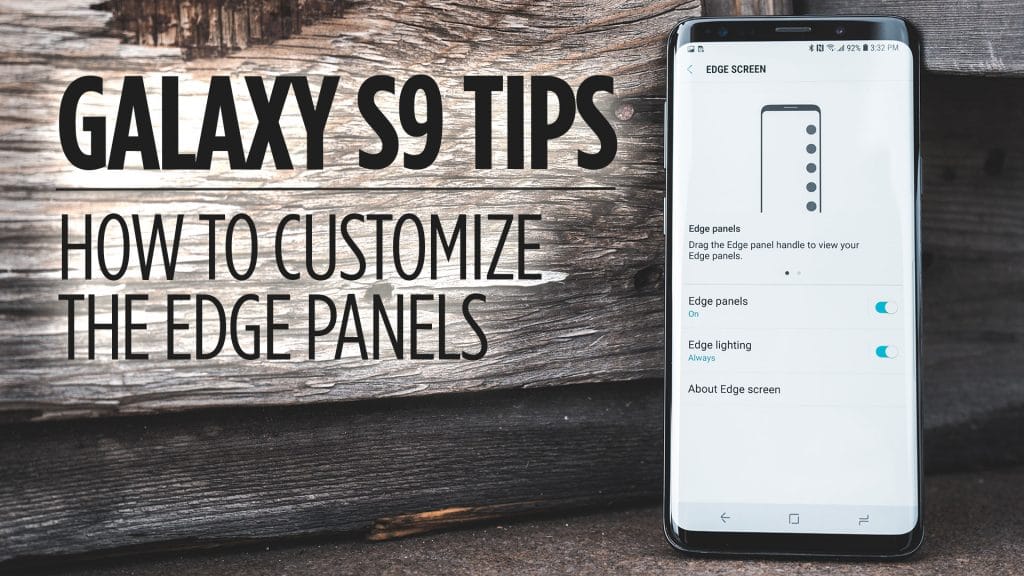
Read MoreEdge Panels give you quick access to your favorite apps, contacts, tools, and more from any screen at any time on your…
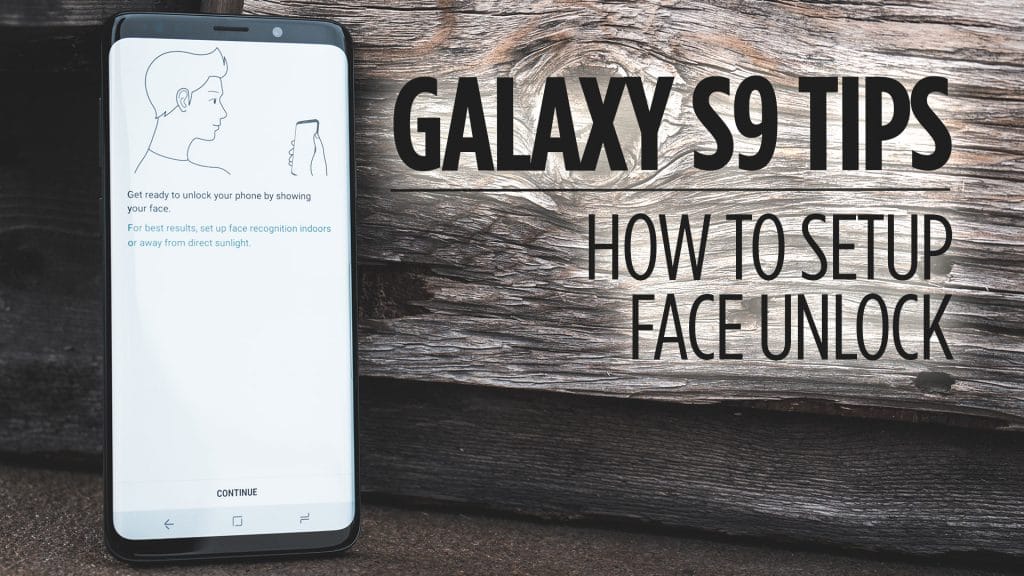
Read MoreWant to unlock your Galaxy S9 with your face? Look no further than this video then! In this one, I’ll show you…
Read MoreIf you find that the S9 is too tall to reach the notification panel with ease then you’re not alone. Samsung has…
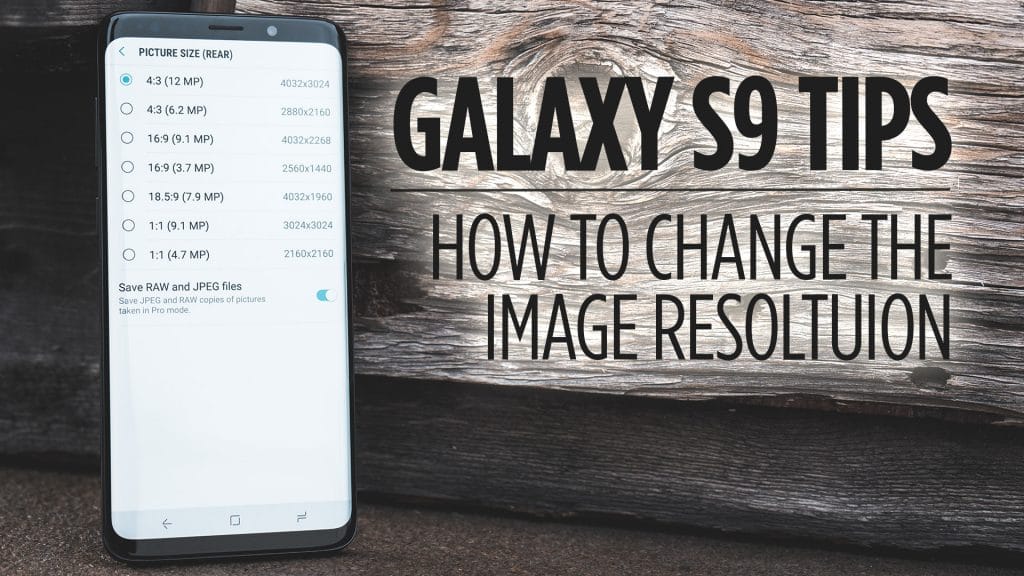
Read MoreThe Galaxy S9 is capable of taking 12MP images and up to 4K at 60FPS video. In this video, I’ll show you…
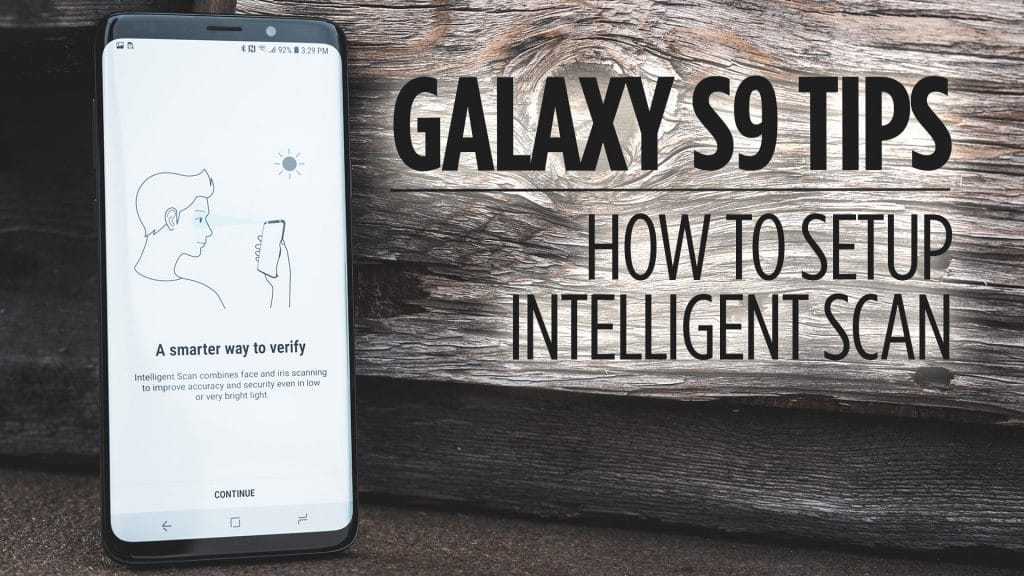
Read MoreThe Intelligent Scan lock screen combines both the Facial and Iris scanning to give you a more secure way of locking and…
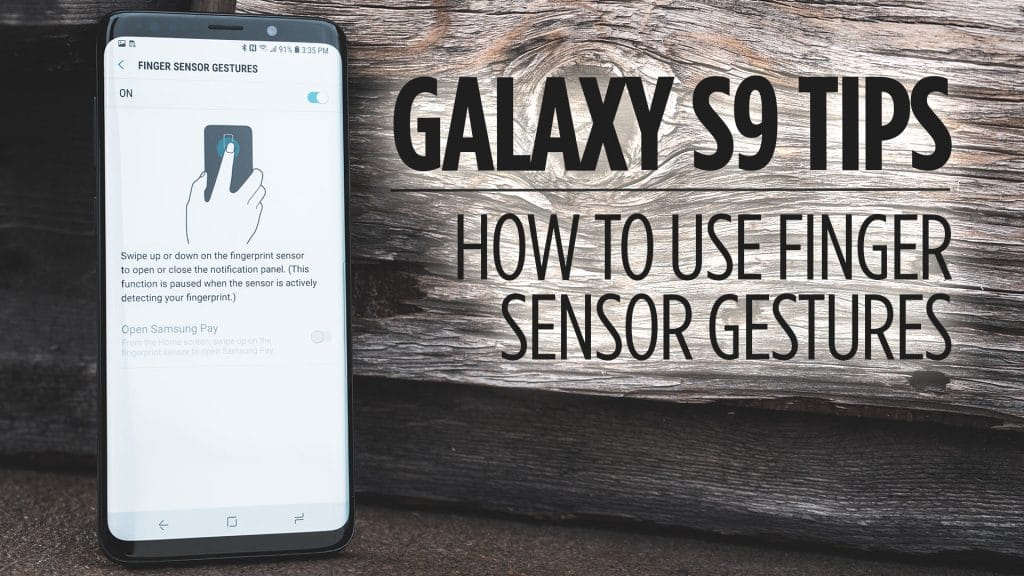
Read MoreThe Galaxy S9 comes with multiple forms of biometric reads that you can use to secure your phone and your data. In…
Read MoreThe Navigation Bar at the bottom of the screen on the Galaxy S9 is going to be vital in getting around on…
Read MoreWith Android 8.0, which the Galaxy S9 comes with, allows you to use picture-in-picture mode with certain apps. In this video, I’ll…
Read More