Article
How to Disable Parallax Effect on iPhone 6
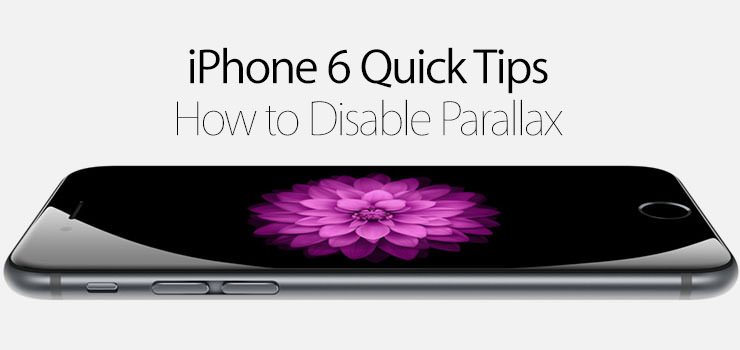
You may have noticed that the icons and wallpaper on your iPhone 6 shifts and move as your phone is moved in your hand. This is called parallax, and it can be a pretty cool looking feature, but some might not like the effect and it can affect your battery life. Check out how to disable parallax on your iPhone 6.
- Open the Settings app.
- Open the General menu.
- Tap on Accessibility.
- Tap on Reduce Motion.
- Enable the Reduce Motion toggle.