Article
How to Save Photos from Safari on iPhone 6
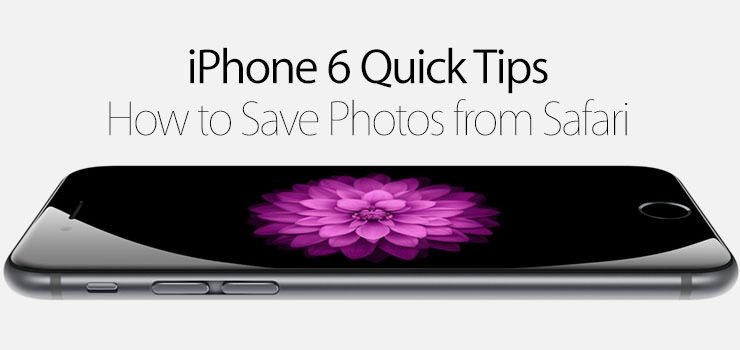
The photos you take using the camera app are automatically saved to your iPhone, but what if you want to save photos from the internet? Check out how to save photos using the Safari browser on your iPhone 6.
- Open the Safari app.
- Navigate to a web page you would like to save an image from.
- Tap and hold on the image.
- You will be asked if you want to open the image, open the link or image in a new tab, add to reading list, save image, or copy.
- Tap on Save Image.
- The image is saved to your device. You can view the image by opening the Photos app and viewing the photo in the Camera Roll album.