Article
Quick Tip: Orientation Lock
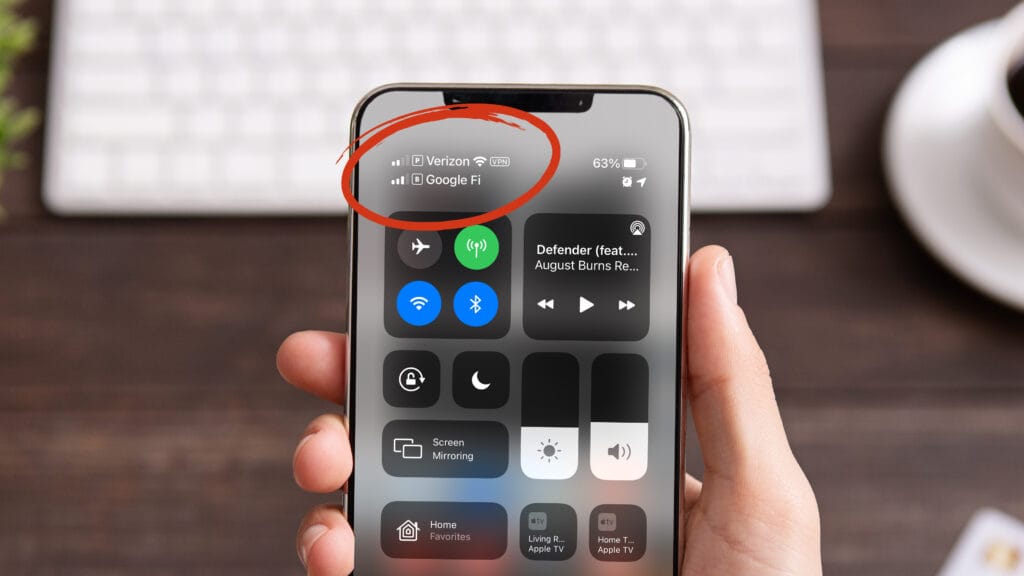
Prevent your iPhone from changing orientations and rotating the screen on you automatically. Especially if you’re laying down this can be a real bother. Double-tap the home button and slide to the right to reveal the left menu and press the gray/silver lock button.