Article
Quick Tip: Saving Images
No more screenshots and cropping those images that you see online. Just tap and hold on any image and a menu will pop up in Safari, press the option to save the image and it will be saved into your Camera Roll.
No more screenshots and cropping those images that you see online. Just tap and hold on any image and a menu will pop up in Safari, press the option to save the image and it will be saved into your Camera Roll.


Newsletter
New reviews, guides, and updates — straight to your inbox.
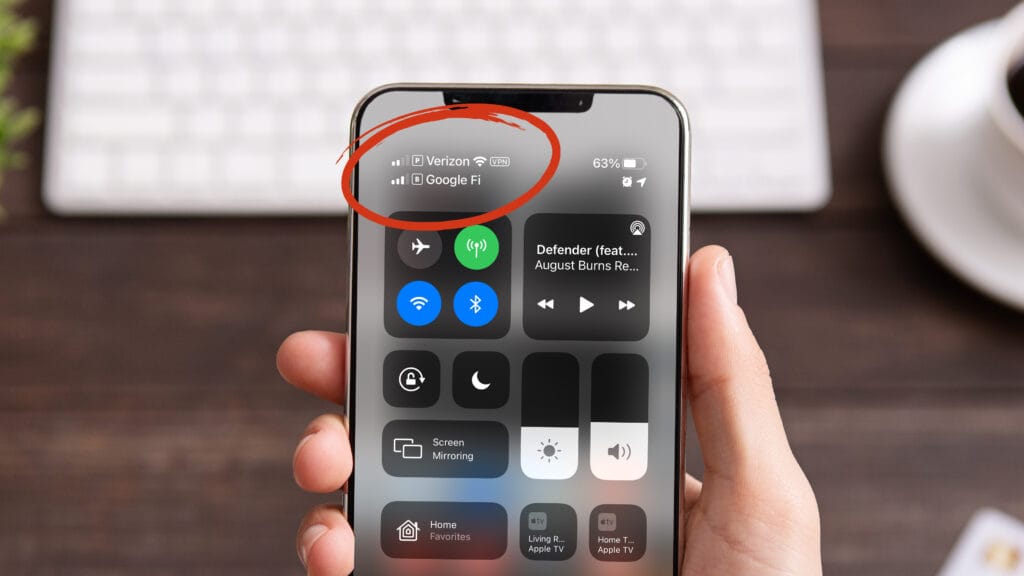
SubscribeIf you have two separate phone lines, utilizing dual SIM on your iPhone is going to be a game-changer for you. I’ve…
Read MoreI recently spent over $1200 looking for the best possible Dock for my new MacBook Pro M1 Max. These new MacBooks are…
Read MoreI’ve wanted to use a television as my monitor for my computer for a long time. Unfortunately, the experience ended up being…
Read More