Article
Samsung Galaxy S9 Plus Top 5 Settings to Change First
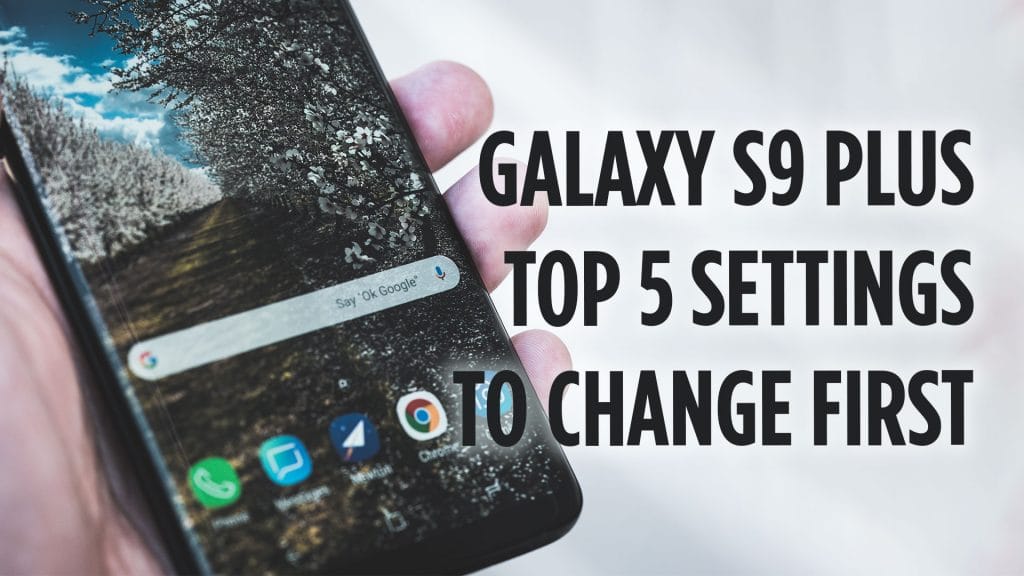
Just get a Galaxy S9 or Galaxy S9 Plus? I like to customize my Galaxy S9 and Galaxy S9 Plus. Samsung’s Touch Wiz user interface has gotten better over the years but it’s still a bit heavy for me and not as customizable as I would like. In this video, I discuss and show off the top five settings I changed first on my Samsung Galaxy S9 Plus.
Here are the 5 settings I changed first on my Galaxy S9 Plus.
- Pro Tip: Use a Micro SD Card
- 1. Change the Launcher
- 2. Change Camera Settings
- 3. Disable Bixby
- 4. Adjust Quick Change Settings: Change brightness bar to show on top, organize toggles by need.
- 5. Disable Edge Panel
What is a setting or change you made to your Galaxy S9 Plus? Let me know in the comments section below.