Smiley be Happy
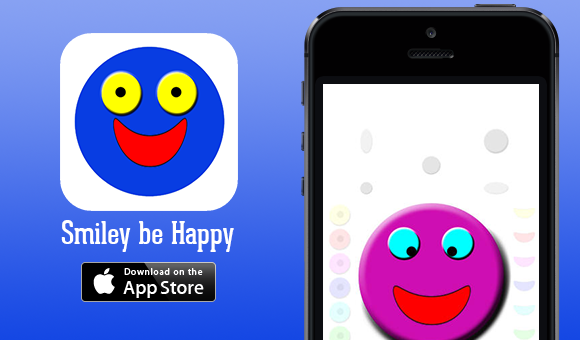
Touch different areas of the screen and create your happy face. Easily share your face creation with your friends.
Download “Smiley be Happy” for your iPhone, iPad or iPod Touch.
Visit the developers of “Smiley be Happy”.
Create your own funny smiley.
A new kind of App never seen before.
Share your smiley with your friends at Facebook and Twitter and with SMS (only iPhone) and Email.
Touch the screen and the smiley will follow you with the eyes.
Rotate the device to change the smileys color.
Touch or move your finger :
– To the left of the smiley to change the color of the eyes.
– To the right of the smiley to change color of the moutchs.
– Above the smiley to change the size of the eyes.
– Below the smiley to change the size of the mouth.
Double tap the smiley to smoothly change between 3D and flat smiley.
Use from 1 to 4 fingers at the same time and at the same time rotate and double tap the screen. You then see that the smileys face change.
But how can you get the smiley to be happy and smiley ?