Article
TapeACall Pro
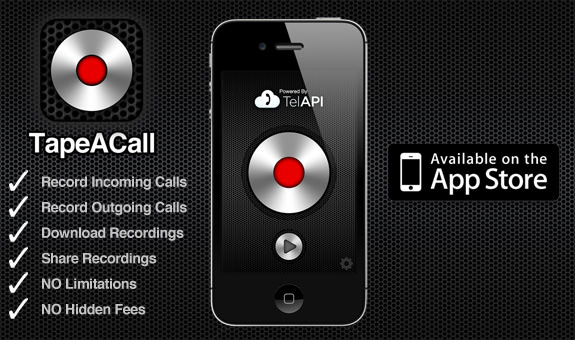
When your on a call and you want to record it, open TapeACall and press the record button. We will put your call on hold and dial our recording line. As soon as our line answers tap the merge button on your screen to create a 3 way call between your other caller and our recording line.
Download TapeACall Pro on the App Store
http://www.tapeacall.com/