Samsung Galaxy Watch Ultra (2025) Review
The Galaxy Watch Ultra (2025) delivers exceptional battery life, accurate fitness tracking, and a clean UI — but scratches embarrassingly fast for a $649 watch, and the Wear OS app ecosystem still has real gaps that Samsung cannot fully paper over.
Check Price — Galaxy Watch Ultra → $649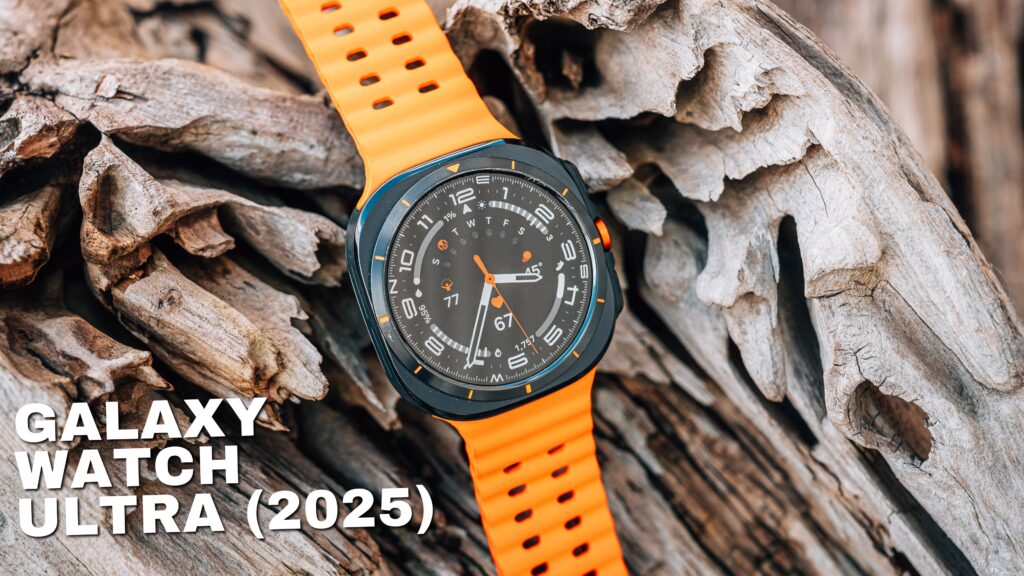
What We Like
- Battery life is exceptional — 78% remaining after a full workout day with always-on display enabled
- Fitness tracking is accurate across running, cycling, and indoor workouts with sport-specific data fields
- Audio callouts during workouts duck music automatically and deliver split times and heart rate every mile
- Display is bright, sharp, and readable in direct sunlight with a smart low-power AOD grayscale mode
- Clean, intuitive One UI Watch interface that is easy to learn within the first day of use
- Comfortable for all-day and overnight wear including sweaty workout sessions
- Cellular number share setup is straightforward with minimal carrier friction
- Power saving mode during workouts is configurable per workout type for longer endurance efforts
What Could Improve
- Case scratches and scuffs visibly within two weeks of careful use — unacceptable at a $649 price point
- Band clasp slides out of position throughout the day with no option to lock it in place
- Cellular connectivity is inconsistent — missed calls occurred on two occasions when more than half a mile from the phone
- Wear OS third-party app support is thin and uneven; many apps feel unmaintained compared to watchOS equivalents
- Easy to accidentally exit the workout app mid-run by swiping too far, and re-entering requires hitting a small difficult target
- Gemini and Bixby both present on the platform with overlapping functions, creating occasional confusion about which to use
Video Review
Who This Review Is For
I have been wearing an Apple Watch Ultra and a Garmin Fenix 8 Pro as my primary watches for years. When I switched to the Galaxy S26 Ultra as my full-time daily driver — no safety net, no dual-carrying — I decided to go all in and pair it with the Galaxy Watch Ultra. That meant wearing a smartwatch I had not seriously used since Samsung ran their own operating system. What follows is not a first-look impression or a spec-sheet comparison. This is nearly three weeks of the Galaxy Watch Ultra (2025) as my only watch, used for workouts, daily wear, cellular connectivity, sleep tracking, and everything in between.
If you are coming from Apple Watch or Garmin and genuinely considering this watch, this review is written for you. I am not a Samsung loyalist looking for reasons to love it. I am someone with real alternatives who used this watch because I committed to the full Samsung ecosystem experience — and I have plenty of honest things to say about both what impressed me and what did not.
Design and Build Quality
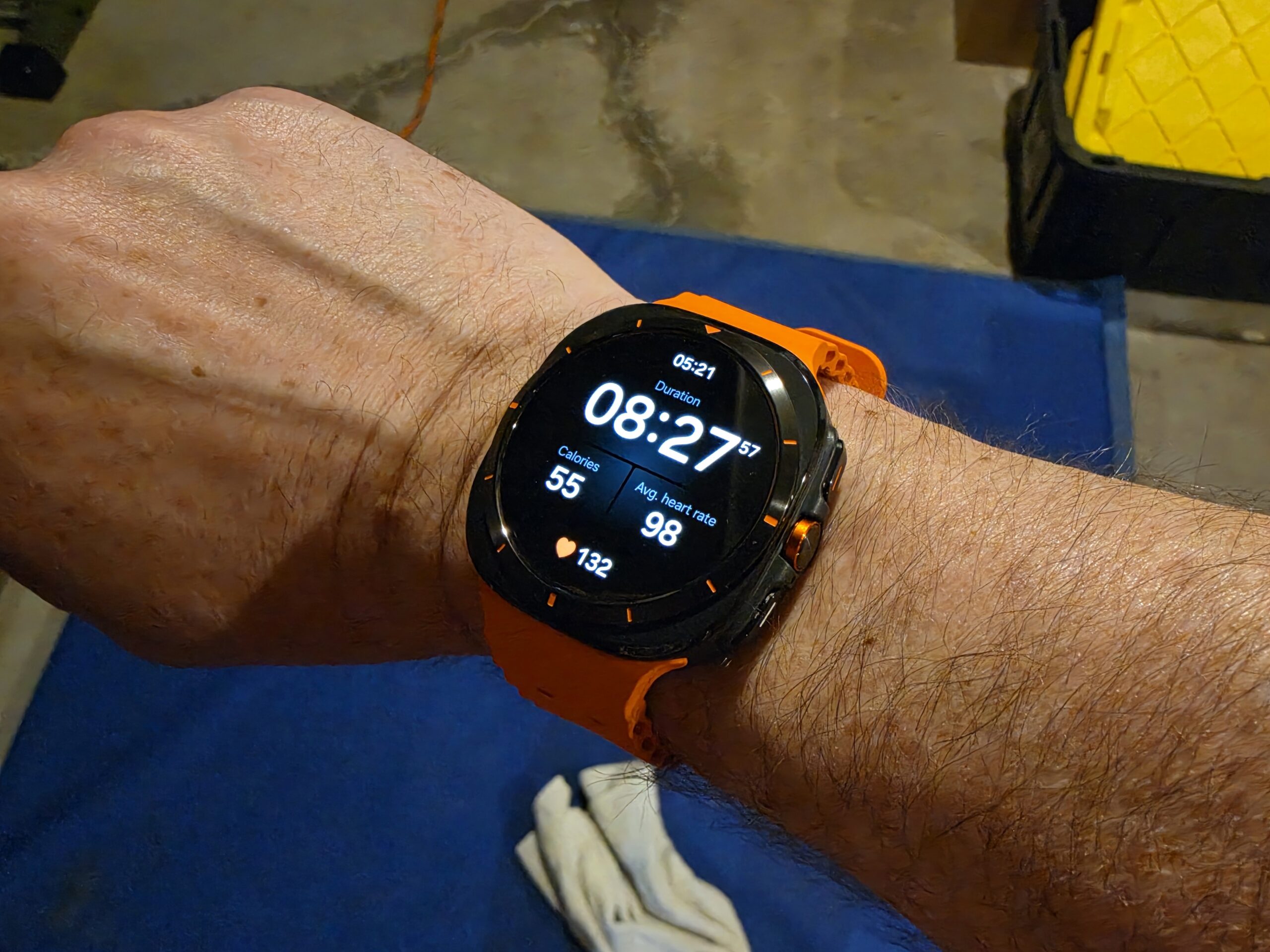
The Galaxy Watch Ultra (2025) is a good-looking watch. It has a bold, sport-oriented design with a large case that commands attention on the wrist without feeling cartoonishly oversized. The watch face is high resolution and the screen looks genuinely excellent — bright, sharp, and easy to read in direct sunlight. The UI is clean, well-organized, and easy to navigate at a glance.
The band is one of the highlights. It is comfortable, easy to keep clean after sweaty workouts — a quick rinse and wipe and it is ready to go — and the clasp adjustment mechanism makes it simple to loosen or tighten on the fly. I often need to go up or down a notch depending on how much my wrist swells during a long workout, and this band handles that without frustration.
There is one design complaint worth dwelling on, though, because at $649 it matters: this watch scratches and scuffs easily. After just two weeks of careful use — and I mean careful, not construction-site abuse — I have visible scuff marks on the case and around the bezel edge. I own an Apple Watch Ultra and a Garmin Fenix 8 Pro. Both of those watches have taken more punishment than this one and look significantly better for it. The Galaxy Watch Ultra is supposed to sit in the same premium tier as those devices. The build quality of the case material does not back that up.
I also wish the band clasp could be locked into position. It slides easily for adjustment, which is convenient, but by the end of a long day it has often crept a few notches from where I set it, leaving the extra flap sticking out awkwardly. A simple locking mechanism would fix this entirely.
Display and Always-On Mode
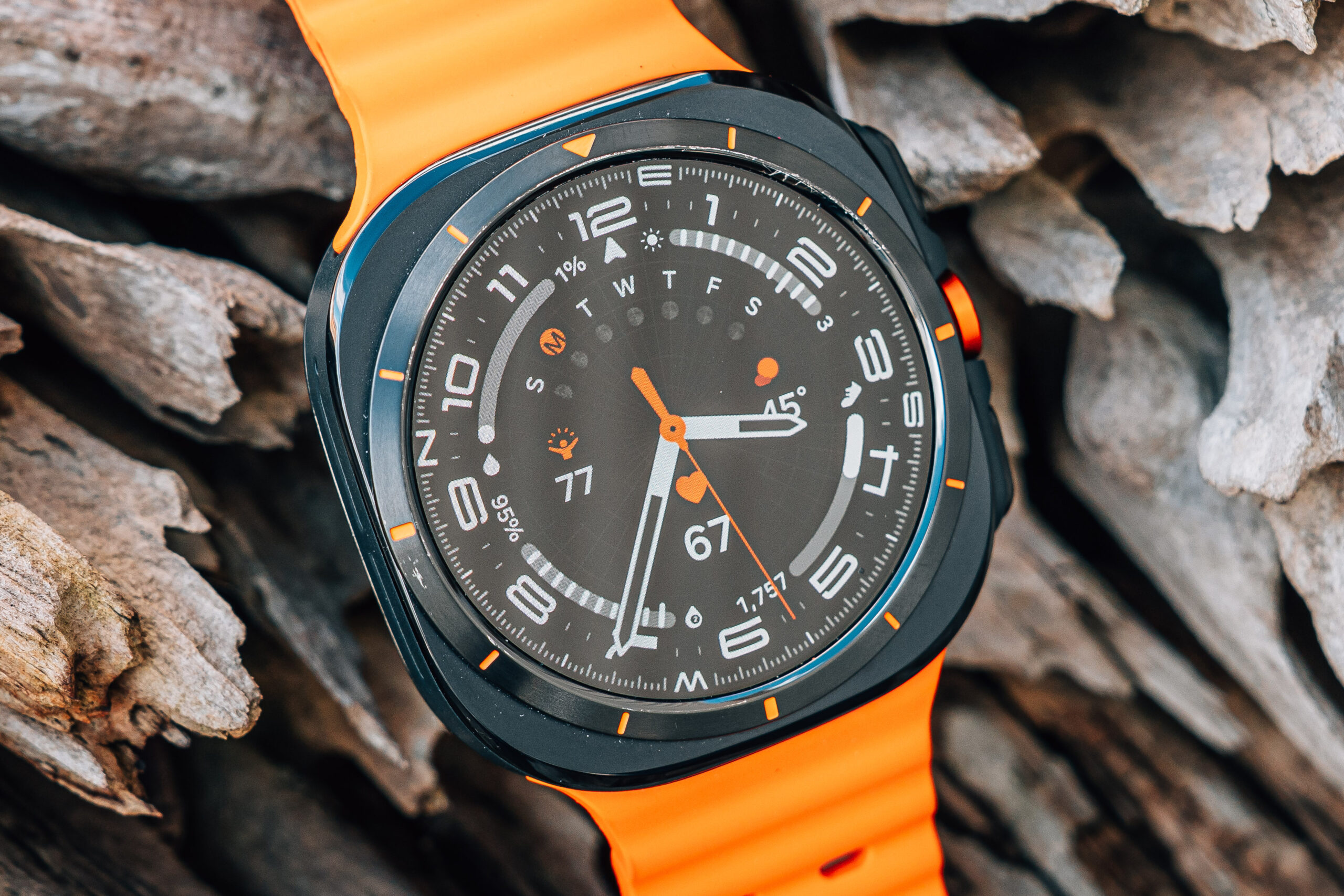
The display on the Galaxy Watch Ultra (2025) is one of its strongest features. It is bright enough to read clearly outdoors in direct sunlight, the resolution is sharp, and the color reproduction is vivid. Watch faces look great and the UI benefits from how clean and readable Samsung has made the interface.
I have had the always-on display enabled since day one. In standby, the watch shifts to a grayscale low-power mode — the second hand disappears, the refresh rate drops dramatically, and the screen only updates when the minute hand needs to move or a new notification arrives. The moment you raise your wrist or receive a notification, it snaps back to full color immediately. This is a smart implementation that gives you the convenience of always knowing the time without the battery penalty you might expect.
The always-on display running in that low-power grayscale mode is a significant reason the battery life numbers are as good as they are. Samsung has clearly engineered this thoughtfully rather than just bolting on an AOD and calling it a day.
Workout Tracking and Fitness Features
This is where the Galaxy Watch Ultra (2025) genuinely earns its price tag. The workout tracking is accurate, the feature set is deep, and Samsung has done real work to make the experience specific to the type of workout you are doing rather than serving up a generic one-size-fits-all interface.
One tap on the center button opens the exercise hub directly — no hunting through menus. From there you can swipe through a comprehensive list of workout types, each with configurable targets and sport-specific data fields. The bike mode, for example, surfaces cycling-specific metrics and includes a track-back feature that lets you navigate back to your starting point during an outdoor ride. That is the kind of detail that shows genuine investment in the fitness use case.
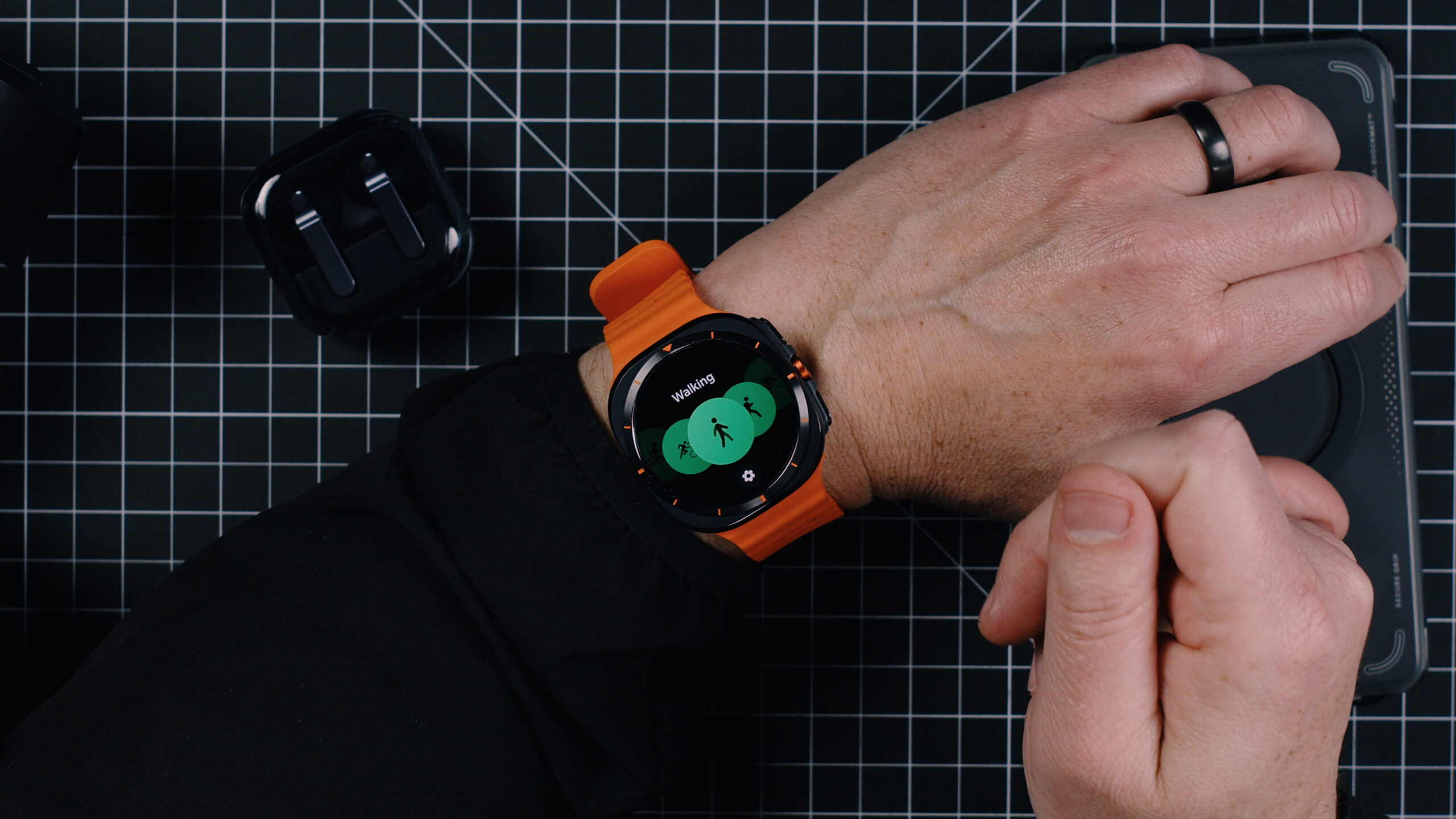
Heart rate zone configuration is excellent. I set up my zones, and the watch calls them out during workouts with audio alerts. Every mile on my outdoor runs, the watch ducks my music audio, delivers a clear callout with my current heart rate and split time, and then brings the music right back. It is seamless in a way I did not fully expect going in.
I ran two 5Ks and a five-mile run outdoors with this watch, and the GPS tracking was accurate each time. I also logged multiple treadmill runs and indoor bike sessions on my trainer. The accuracy held up consistently across all of those workout types. The fitness tracking hardware is not the weak link here.
Power saving mode during workouts is a thoughtful addition — you can set the watch to automatically drop into a lower-power state when you begin a specific workout, which is useful for longer efforts like trail runs or long rides where you want GPS running for hours. That kind of intentional design for endurance athletes is welcome at this price point.
My one workout usability complaint is navigation during an active session. When I am mid-run and want to check my data, it is very easy to accidentally swipe too far and exit the workout app entirely. Getting back into the active workout requires tapping a small widget at the bottom of the screen, which is genuinely difficult to hit accurately when you are running and your fingers are not cooperating. This is a UI refinement issue, not a fundamental flaw, but it is annoying enough to mention specifically.
Battery Life
The battery life on the Galaxy Watch Ultra (2025) is one of its most impressive real-world strengths, and I want to give you specific numbers rather than vague impressions.
I charged to 100% before bed. I slept with the watch on. I did not check the battery when I woke up. By 2:30 in the afternoon the following day — after an hour and fifteen minutes of indoor workout tracking with the screen active, some time on cellular rather than Wi-Fi, and normal notification handling throughout — I was at 78% remaining. That is with always-on display running the entire time.
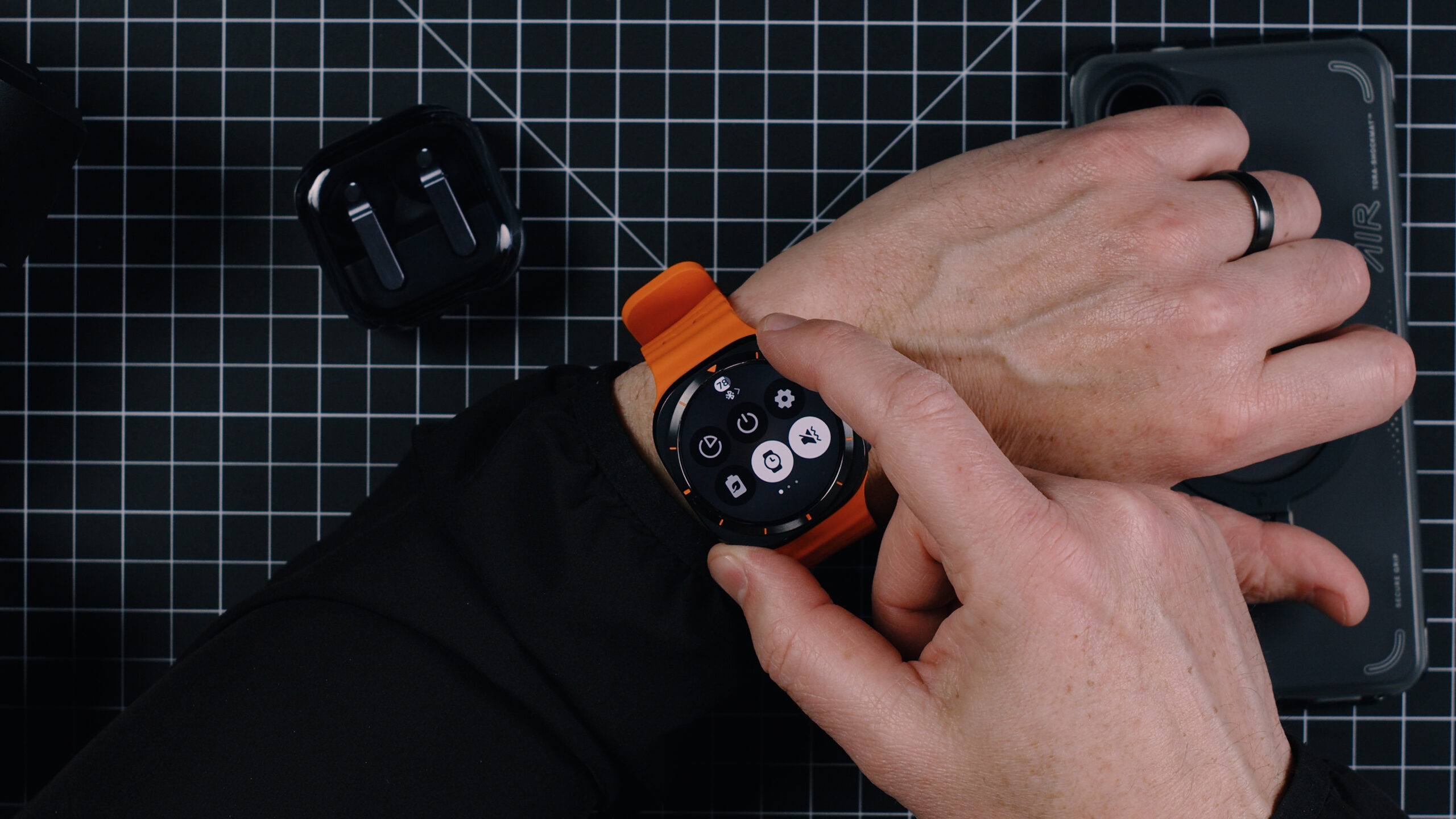
For comparison, on an Apple Watch Ultra in a similar usage day I would expect to be somewhere around 55–60% by that same point in the afternoon. The Galaxy Watch Ultra runs meaningfully longer between charges, and that gap is felt over the course of a day rather than just showing up in a spec comparison.
The only significant battery caveat is the cellular radio. When I was actively running on cellular away from my phone — not connected via Bluetooth — the drain was higher, as you would expect. But even accounting for cellular use, the battery held up well enough that I never felt anxious about making it through the day.
If you are coming from an Apple Watch and battery anxiety has been part of your experience, the Galaxy Watch Ultra will feel like a genuine relief.
Cellular Connectivity and Number Share
Setup was easy. Getting number share configured so the watch could make and receive calls independently from the phone took only a few minutes, and it worked without the typical carrier headaches I have experienced with similar features in the past.
The actual reliability of that cellular connection, though, is where things got inconsistent. In testing at home — walking to another room, stepping out of Bluetooth range — calls and texts came through reliably. But on two occasions when I left my phone behind for a run and was at least half a mile away, calls I should have received did not come through. I only discovered the missed calls when I returned to my phone.
I checked for focus modes, checked the settings, and could not identify a clear cause. It did not happen every time. But it happened enough that I would not confidently rely on the cellular feature as a substitute for having my phone nearby if receiving calls is critical. For most workout scenarios — leaving your phone at home while you run — this is fine. For situations where you genuinely need to be reachable, the inconsistency is a real concern.
Software, Wear OS, and the App Ecosystem
Samsung has done significant work layering One UI Watch on top of Wear OS, and the result is a user experience that looks and feels cohesive within the Samsung ecosystem. The navigation is intuitive — swipe left for notifications, swipe right for health widgets, swipe down for quick settings, swipe up for the app list. It makes sense quickly, and after a day or two it feels natural.
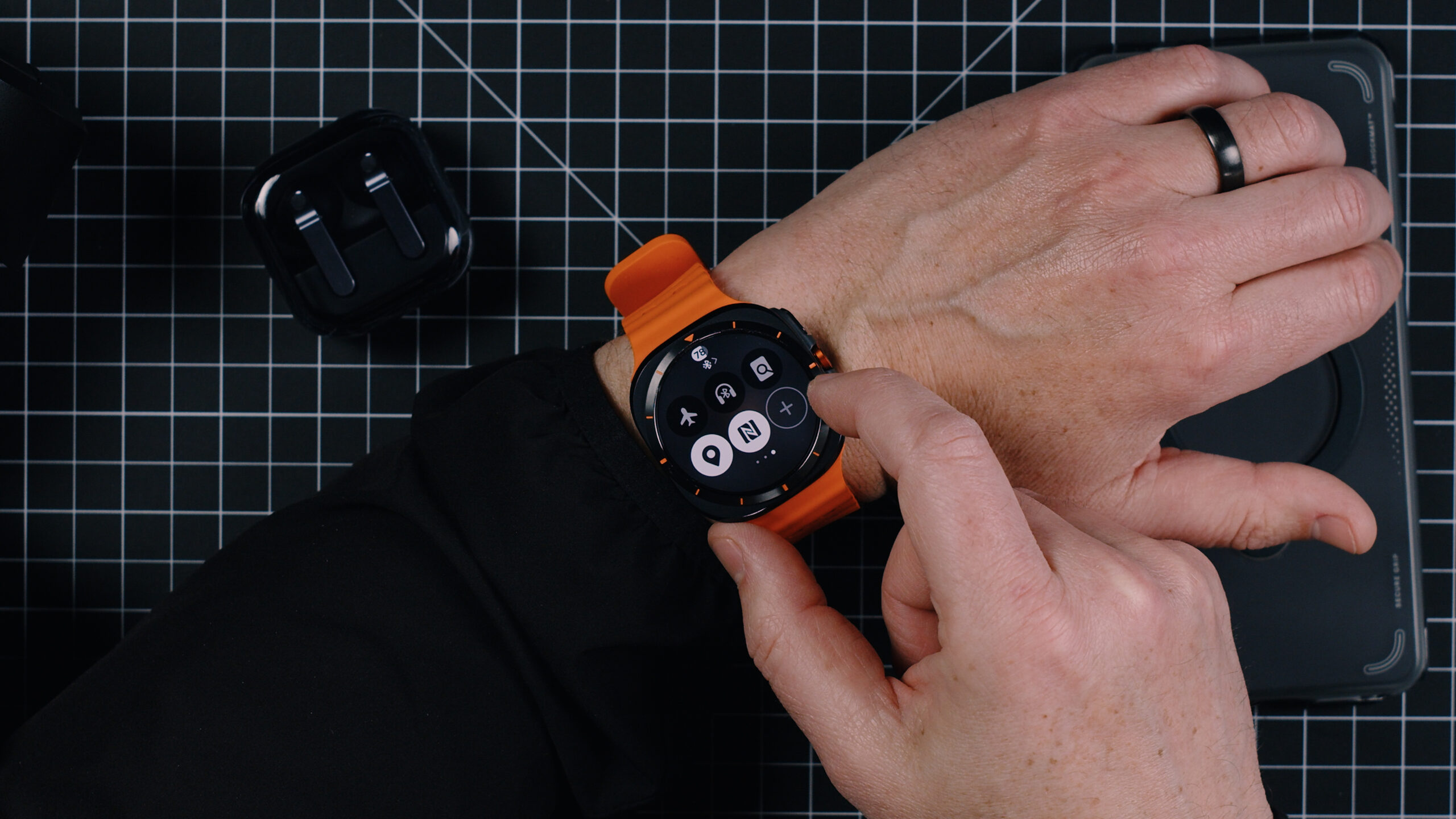
The hardware buttons are well-assigned. The center button opens the exercise hub with one press. The top secondary button can be configured to open a specific app — I set it to weather — and pressing and holding activates Gemini for voice queries. The back button handles navigation, and pressing and holding it opens Samsung Pay for contactless payments. It is a thoughtful layout that gives you fast access to the things you actually use without requiring deep menu navigation.
Where the software story falls apart is third-party app support. Samsung’s own apps are polished and work well. But the Wear OS ecosystem beyond Samsung’s first-party offerings is thin and uneven. Some third-party apps feel like they have not been meaningfully updated in years. The experience is not that the apps are broken — it is that the user experience within them is noticeably inferior to what you get in Samsung’s own apps, and inferior to what the equivalent apps deliver on Apple Watch.
This is not entirely Samsung’s fault. It reflects the reality that developers have less incentive to build and maintain high-quality Wear OS apps compared to watchOS, where the installed base and user engagement justify the investment. But the end result is the same regardless of why it happens: if you rely on specific third-party apps on your current smartwatch, verify that those apps have a quality Wear OS version before switching. Do not assume they do.
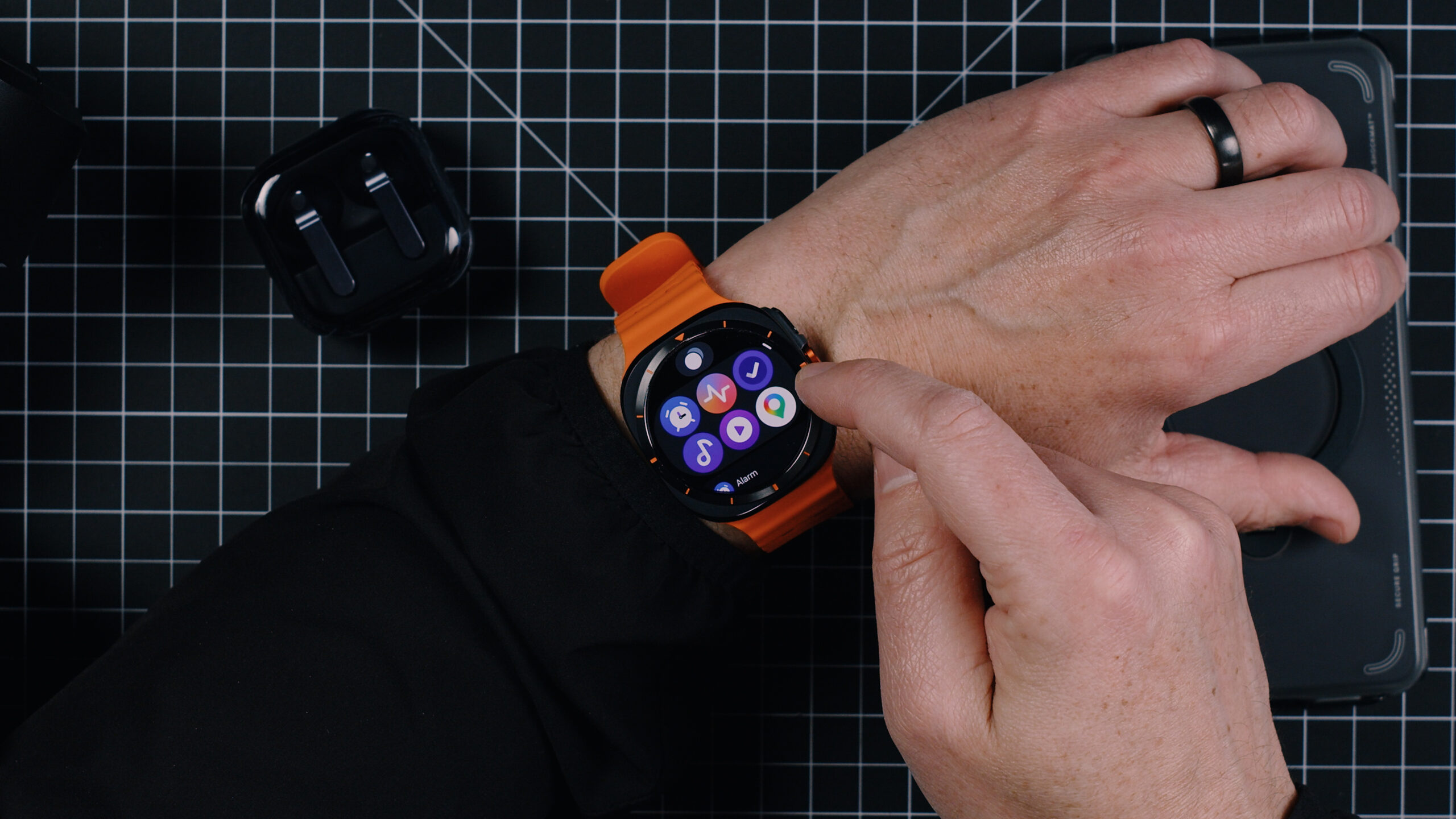
Gemini integration is available via long-press on the top button, and it works for basic queries and watch-based tasks. The experience is functional but not transformative. It answers questions, sets timers, and handles simple requests. Whether AI on a watch is something you find genuinely useful or more of a novelty will depend on your workflow.
Comfort and Daily Wearability
For a watch with a bold, large-case sport design, the Galaxy Watch Ultra (2025) is comfortable for all-day wear. The weight is well-distributed, the case does not dig into my wrist during workouts or sleep, and the band material is skin-friendly even during extended sweaty sessions. I slept with this watch on throughout the review period without any comfort complaints.
The only wearability friction I experienced was the band clasp issue mentioned earlier. It is a small thing, but it is the kind of small thing that you notice every single day — looking down in the afternoon and finding the clasp has migrated from where you set it. A locking mechanism would make this a non-issue.
Galaxy Watch Ultra vs. Apple Watch Ultra: The Honest Comparison
This is the comparison most people reading this review actually want, so I will be direct.
Battery life: Galaxy Watch Ultra wins clearly. You will end most days with significantly more battery remaining compared to an Apple Watch Ultra in equivalent use.
Fitness tracking accuracy: Comparable. Both watches track workouts accurately. Apple Watch has a broader selection of polished third-party fitness apps. Galaxy Watch has sport-specific features and audio callouts that Apple Watch handles differently.
Build quality: Apple Watch Ultra wins. The titanium case on the Apple Watch Ultra is genuinely more durable in real-world use. The Galaxy Watch Ultra scratches faster and more visibly despite being positioned in the same premium tier.
App ecosystem: Apple Watch wins significantly. WatchOS has a deeper, better-maintained third-party app library than Wear OS.
Display: Comparable. Both are excellent. Slight edge to Galaxy Watch Ultra in brightness.
iPhone/Android compatibility: If you are on an Android phone, Galaxy Watch Ultra is the clear choice. Apple Watch does not work with Android. If you are on an iPhone, the Galaxy Watch Ultra works but you lose significant functionality — it is not a serious consideration for iPhone users.
Who Should Buy the Galaxy Watch Ultra (2025)
The Galaxy Watch Ultra (2025) is the right watch if you are on a Samsung Android phone and you want a premium smartwatch with genuine fitness chops, outstanding battery life, and a clean, well-designed interface. It is particularly strong for runners and cyclists who want sport-specific workout modes, accurate GPS tracking, audio callouts, and the freedom to leave their phone behind — even if the cellular reliability is not perfect.
It is harder to recommend at $649 if build quality is a priority for you. The scratching and scuffing I experienced in two weeks of careful use is not what you expect at this price point. Wait for a price drop or a sale, and the value calculation becomes much more favorable.
If you are an iPhone user, this watch is not for you. Stay on Apple Watch.
Final Verdict
Was this helpful?
Frequently Asked Questions
How does the Galaxy Watch Ultra (2025) battery life compare to Apple Watch Ultra?
Does the Galaxy Watch Ultra (2025) work with iPhone?
Is the Galaxy Watch Ultra (2025) good for running?
Does the Galaxy Watch Ultra (2025) scratch easily?
How does the Galaxy Watch Ultra cellular feature work, and is it reliable?
How is the Wear OS app ecosystem on the Galaxy Watch Ultra (2025)?
How does the Galaxy Watch Ultra (2025) compare to the Garmin Fenix 8 Pro?
Is the Samsung Galaxy Watch Ultra (2025) worth $649?
Can you sleep with the Galaxy Watch Ultra (2025)?
What is new in the Galaxy Watch Ultra (2025) compared to the original?

You must be logged in to post a comment.